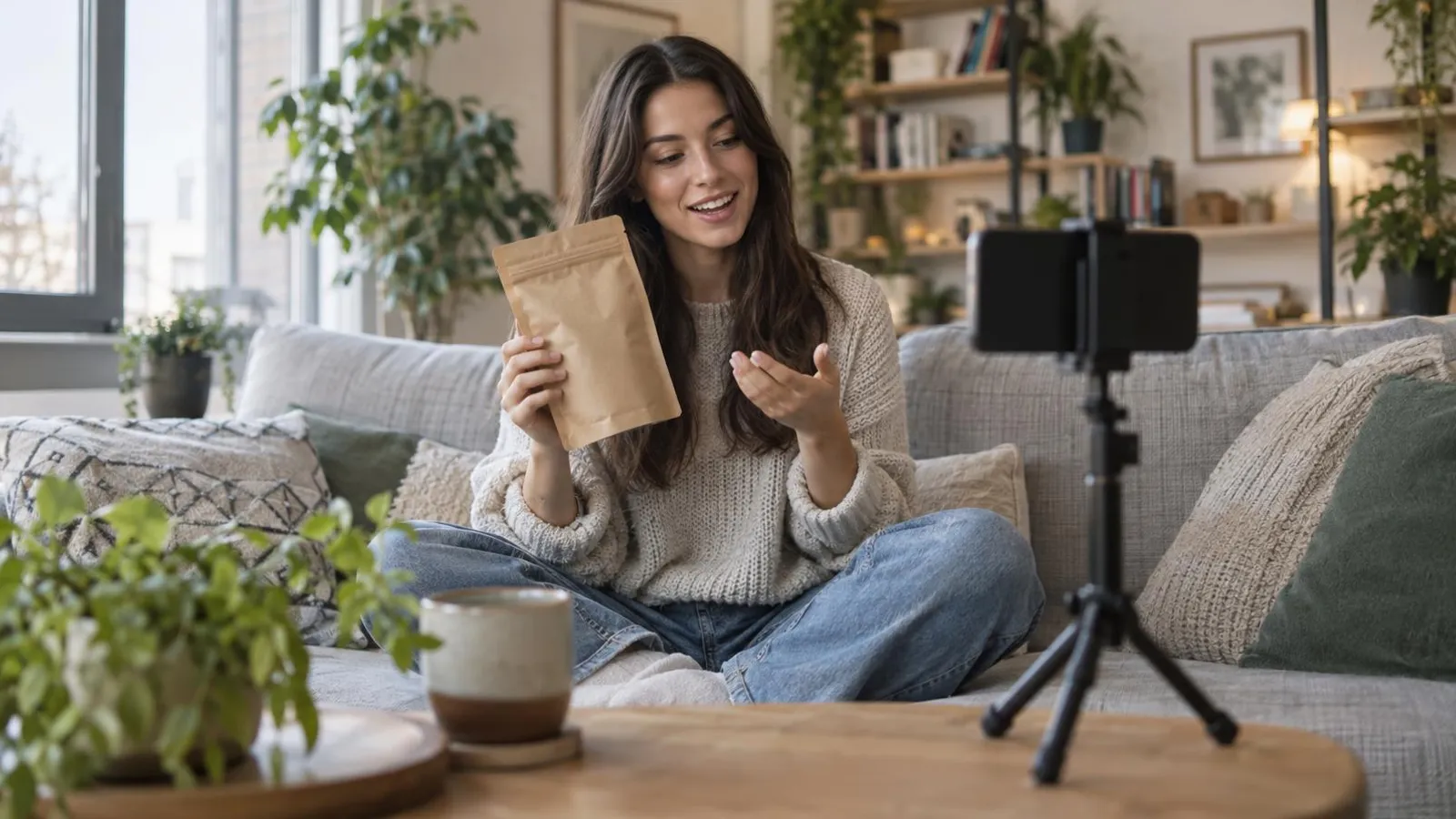
AI video ads for business are short ads made fully or partly with AI: a product photo turned into a moving clip, a script read by an AI presenter, a UGC-style video with an AI actor, or a voiceover and captions added to footage you shot yourself. In 2026 they are good enough for Reels, TikTok and Shorts, and for paid placements on Meta and TikTok, as long as you choose the right type for the job and check the result before it goes live.
For a small business the appeal is simple. A filmed ad with a crew is a one-off project you pay for up front, while an AI video ad generator costs somewhere between nothing and about $150 a month and lets you make five versions of the same ad with different openings. That matters, because the opening few seconds decide most of an ad's fate, and you rarely guess the winner on the first try.
This guide covers what AI video does well and where it still fails, what the main tools actually cost (checked on November 1, 2026), a workflow from product photo to finished ad, a quality checklist, the labeling rules on Meta, TikTok and YouTube, and how to measure whether it's working.
What AI video ads can and can't do in 2026
Works well:
- Product videos made from good photos: slow push-ins, rotations, a product placed in a scene.
- Short explainers and offers read by an AI presenter.
- Many versions of one ad with different hooks, lengths and calls to action.
- Voiceovers, dubbing into other languages and automatic captions for footage you filmed.
- Background scenes, transitions and B-roll that would be expensive to shoot.
Still weak:
- Hands doing precise work: cutting hair, fixing a pipe, applying a treatment. Fingers and tools often look wrong.
- Text inside the generated image. Signs, packaging and labels still come out garbled, so add text as an overlay instead.
- Keeping the same person or product consistent across several scenes.
- Real emotion in a customer story.
Not a fit at all: replacing proof. If the ad is supposed to show what your work looks like (a kitchen you renovated, a dog you groomed, a meal you cooked), film the real thing. AI can wrap real proof in a better ad, but it can't invent it without misleading people.
Five types of AI video ads
| Type | What it is | Good for | Watch out for |
|---|---|---|---|
| Image to video | A still photo gets motion, camera moves and transitions | Products, food, real estate, places | The product changing shape, color or label |
| Text to video | A whole scene generated from a written prompt | Mood shots, backgrounds, transitions | Consistency between scenes, garbled text |
| AI presenter (avatar) | A digital person reads your script to camera | Explainers, FAQs, offers | Lip sync, a voice that doesn't fit your brand |
| AI UGC | A creator-style video with an AI actor | Testing hooks and angles in paid ads | Never presenting it as a real customer review |
| Voice and dubbing | AI voiceover, dubbing or translation of your own footage | Videos you filmed, other-language audiences | Names, numbers and local terms |
UGC-style ads have their own rules and pitfalls, covered in detail in AI UGC ads: what they are and how small brands use them.
AI video ad generators: what they do and what they cost
Prices below are in USD, before tax, as listed on each tool's pricing page on November 1, 2026. These tools change plans often, so check again before you pay.
| Tool | Best for | Free plan | Paid plans |
|---|---|---|---|
| HeyGen | AI presenters, translation with lip sync | 3 videos a month, up to 1 minute, watermarked | Creator $29/month ($24 billed annually), Pro from $49, Business $149 plus $20 per extra seat |
| Synthesia | Presenter videos, training-style explainers | About 10 minutes a month, watermarked | Starter $19/month ($14 annually), Pro $89/month ($59 annually) |
| Creatify | Product ads and UGC-style ads from a link or images | 10 credits a month (up to 2 video ads), watermarked | Standard $15, Pro $55, Max $95, Business $195 a month, about 30% less billed annually |
| Arcads | UGC-style ads with AI actors | No public pricing page; plans are sold in credits | Check the in-app price before you commit |
| Meta Advantage+ creative | Turning product images into video ads inside Ads Manager | No separate fee | You pay only your ad budget |
| Google Gemini app | Short text-to-video clips | Not on the free tier | Requires a Google AI plan; not available to under-18s |
Two notes on this table. First, Meta's image-to-video generation in Advantage+ creative was reported by the trade press as generally available to advertisers in October 2026, and it lets you adjust hooks, length, captions and end scenes before the ad runs. If you already advertise on Facebook and Instagram, try it before paying for anything else. Second, OpenAI discontinued Sora: the app and web experience closed on April 26, 2026, and the API was scheduled to end on September 24, 2026. Older "best AI video generator" lists that recommend it are out of date.
The subscription is only part of the cost. Your own time on scripts, checks and fixes is the bigger part, and the ad budget you pay Meta, TikTok or Google is separate again. To see how that fits a realistic monthly plan, use the method in how much a small business should spend on marketing.
How to choose a tool in 30 minutes
Don't pick from reviews. Pick from your own test:
- Write one 20-second script with your business name, a price, a place name and one technical term from your trade.
- Run it through two tools on their free plans.
- Watch both on your phone, with the sound on and then off.
- Ask someone who doesn't know you used AI which one sounds like a real person from your area.
- Check the commercial-use terms of the winner, especially for stock avatars, music and voices.
If the presenter's accent or tone doesn't match your customers, choose a different voice or skip the presenter and use image-to-video with a voiceover instead.
Workflow: from product photo to video ad
- Pick one goal. A message on WhatsApp, a booking, a purchase or a store visit. One ad, one action.
- Shoot 3 to 5 good photos of the product or your work, in daylight, on a clean background. AI improves a good photo; it doesn't rescue a bad one.
- Write a 15 to 30 second script using the structure below.
- Generate the clips. Image-to-video for product shots, a presenter or voiceover for the talking part.
- Add voice and captions. Most people scroll with the sound off, so captions carry the message.
- Make 2 or 3 different hooks for the same body. This is where AI pays for itself: extra versions cost almost nothing.
- Label it if it's realistic (see the rules below) and publish organically or as an ad with a small test budget.
A script structure that works
| Seconds | Part | Example: local bakery, weekend preorders |
|---|---|---|
| 0 to 3 | Hook | "Our sourdough sells out by 10 a.m. on Saturdays." |
| 3 to 8 | Problem | "If you've ever arrived to an empty shelf, this is for you." |
| 8 to 18 | Solution and proof | Close-ups of the loaves; "Preorder by Thursday and we hold yours until noon." |
| 18 to 25 | Offer and action | "Message us on WhatsApp to reserve. Link below." |
Keep every claim in the script true: prices, times, "best", "fastest", "organic". An AI presenter saying it doesn't make it less of a claim.
Formats and specs that matter
- Vertical 9:16 (1080 by 1920 pixels) for Reels, Stories, TikTok and Shorts. Make this your master version.
- Square 1:1 or 4:5 for feed placements on Facebook and Instagram if you also run feed ads.
- Keep text and faces in the safe zone. The bottom and right edges are covered by captions, buttons and the profile name.
- Front-load the hook. Show the product or the problem in the first second, not a logo.
- Burned-in captions that you've proofread, because auto-captions mangle names and prices.
- 15 to 30 seconds is a sensible starting length for a small-business ad. Make a 6 to 10 second cut too if you plan to test short placements.
Quality check before you publish
| Check | What to look for |
|---|---|
| Product | Shape, color, logo and packaging match the real product in every frame |
| Hands and faces | No extra fingers, melting features or jumps between frames |
| Voice | Your business name, street names, numbers and prices are pronounced correctly |
| Lip sync | The mouth matches the words, including fast or long words |
| Captions | No transcription errors, nothing hidden behind buttons |
| Claims | Every price, offer and comparison is true and you can back it up |
| Rights | The tool's terms allow commercial use of the avatar, voice and music you used |
Labeling rules for AI video ads
Platforms have tightened their rules on AI content, and the rules for ads and for organic posts are not the same. As of November 1, 2026:
Meta (Facebook and Instagram). For organic posts, Meta may require an AI label on photorealistic video or realistic-sounding audio that was digitally created or altered, including with AI, and may apply penalties if you don't add it. For ads, Meta applies "AI info" labels to ads created or significantly edited with its own generative tools, shows the label next to "Sponsored" when an ad includes an AI-generated photorealistic person, and detects some third-party AI content through industry signals such as C2PA. Since June 2026 these labels are being moved into an "About this ad" panel. Ads about social issues, elections or politics have a separate, mandatory disclosure.
TikTok. TikTok lists AI-generated content as a mandatory ad disclaimer category: fully AI-generated images, video or audio, and real footage that AI significantly changed. The disclaimer adds a visible label to the ad. For organic posts, TikTok's community guidelines require you to label realistic AI-generated content.
YouTube. Creators must disclose realistic altered or synthetic content in YouTube Studio, such as a realistic scene that never happened or a real person appearing to say something they didn't. Animation, beauty filters and cloning your own voice for a voiceover don't need disclosure. On Google Ads, the explicit synthetic-content disclosure rule applies to election ads.
Fake testimonials are a legal problem, not just a platform one. In the U.S., the FTC's rule on reviews and testimonials, in force since October 2024, bans testimonials that misrepresent that they come from someone who doesn't exist or who never used the product, and the FTC named AI-generated fakes as an example. In the UK, fake reviews became a banned practice under the DMCC Act from April 6, 2025 (CMA guidance). An AI "customer" telling a success story is exactly what these rules target. An AI presenter who openly speaks for your business about what the product does, what's included and what it costs is a different thing.
Voices and faces of real people. Don't clone anyone's voice or face, including staff or a former employee, without their written permission for advertising use. Many places protect a person's name, image and voice from commercial use without consent.
This section is general information, not legal advice. Local rules differ, so check with a professional if an ad is borderline.
AI video vs a filmed production vs UGC creators
| Option | Typical cost | Speed | Best when |
|---|---|---|---|
| AI video tools | Free to about $150 a month in subscriptions, plus your time | Same day | You need volume and want to test hooks and offers |
| UGC creators | Often around $150 to $200 per video on creator marketplaces in 2026, more with ad usage rights | Days to weeks | You want real people and real reactions |
| Filmed production | Quoted per project; usually far more than a month of AI tools | Weeks | Brand films, proof of work, anything that must look premium |
| Filming it yourself on a phone | Free | Same day | Service businesses where you are the proof |
Many small businesses end up mixing these: real phone footage of the work, an AI voiceover and captions, and AI-generated variations of the opening. Creator rates and usage rights are broken down in the AI UGC ads guide.
How to test and measure AI video ads
Judge an AI video ad against your current ad, not against your hopes. Same audience, same budget, same period, and change one thing at a time. In Meta Ads Manager or TikTok Ads Manager, look at:
- Hook rate: 3-second video plays divided by impressions. A low number means the opening isn't stopping the scroll.
- Hold rate: how many viewers reach the midpoint or the end (ThruPlays on Meta). A good hook with a low hold rate usually means the middle drags.
- Cost per result: cost per message, lead, booking or purchase. This is the only number that pays the bills.
Ignore likes. Don't decide on a few hundred impressions, and give each version enough budget to get a fair read. When one hook clearly wins, keep the body and generate new hooks around it. If you're deciding where those ads should run in the first place, Google Ads vs Facebook Ads walks through the trade-offs.
Where an AI marketing agent fits
Every tool above does one piece: a presenter, a product clip, a voiceover. You still write the script, stitch the parts, size them for each platform, publish them and run the ads. If you'd rather not learn and connect several tools, an agent can do the joining for you. For a broader view of which parts of marketing AI handles well, see AI marketing for small business.
PowerAds.ai is one such option: an AI marketing agent that works in WhatsApp and a web chat, in English and Hebrew. You write what you need, for example "three Reels for our weekend preorders", and it researches, shows a plan with cost and timing, and builds after you approve. It makes Reels and TikTok videos, including AI presenter videos, publishes to Facebook, Instagram, TikTok, LinkedIn and YouTube, and runs paid campaigns on Meta and Google Ads. Anything that costs money shows up as an approval card first. AI presenter videos are part of the Ultra plan ($299 a month as of November 2026), and the ad budget is paid to Meta or Google separately.