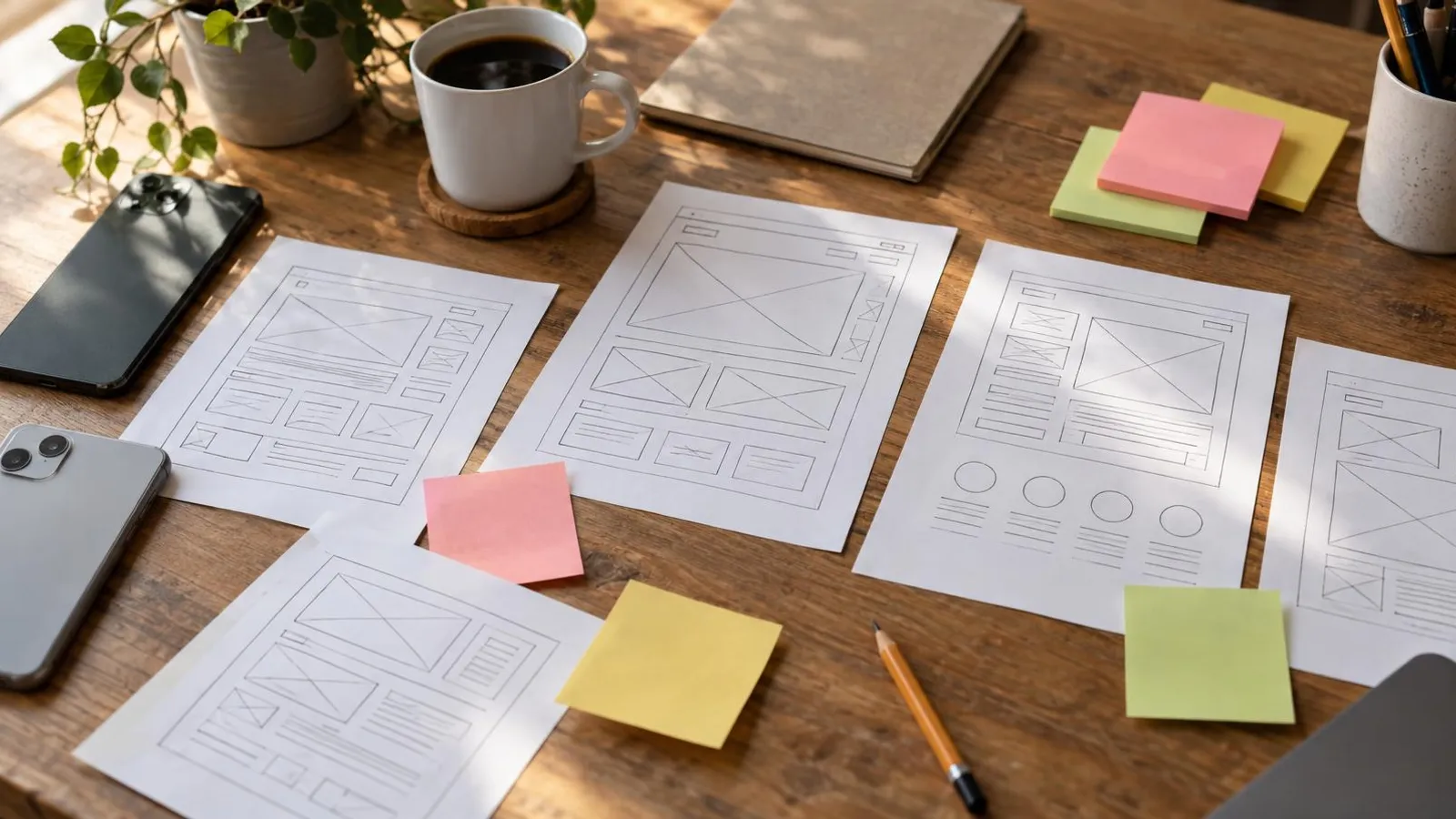
Yes, you can build a landing page for free, and an AI landing page generator will give you a first draft in minutes. Wix, Canva, Carrd and Framer all let you publish a page without paying, and AI builders such as Durable, Framer, Hostinger and Wix's new Harmony editor generate a page from a short description of your business. Any of them can put a page online today.
The catch is in what "free" leaves out. A free page almost always lives on the platform's address (yourname.wixsite.com, a my.canva.site link) instead of your own domain, often with the platform's ads or badge on it, and sometimes without the forms or tracking code you need for ads. AI saves you from the blank page, but not from the review: generators happily invent testimonials, statistics and promises. For testing an idea, free is fine. Before you pay for traffic, upgrade and spend an hour checking.
This guide compares the free plans (checked in November 2026), explains the kinds of AI generators, gives you a prompt to paste, and covers the checks and connections that decide whether the page brings in customers.
What "free" actually includes
| Tool | What you get free | What's missing | Cheapest upgrade |
|---|---|---|---|
| Wix Free | Full drag-and-drop editor, templates, hosting | Wix-branded address, Wix ads on your page, no online payments | Light, $17/month billed annually: own domain, no Wix ads |
| Canva Free | Publish up to 5 sites on my.canva.site | "Designed with Canva" footer, no custom domain | A paid Canva plan for custom domains and unlimited sites |
| Carrd Free | Simple one-page sites | Carrd branding; custom domains and forms need Pro | Pro Standard, $19/year: custom domain and forms |
| Framer Free | Free Framer domain, 1 GB bandwidth, 500 AI credits to try | No custom domain | Basic, $10/month |
| Durable Free | AI generates a site you can preview and share | Custom domains come with paid plans | Launch, $25/month, or about $22/month billed yearly |
| Hostinger Website Builder | No free plan, but a 14-day free trial | From $2.49/month when you prepay 48 months, with a 30-day money-back guarantee | |
| ChatGPT, Claude, Gemini (free tiers) | Copy, and full HTML code if you ask | Hosting, domain, forms and tracking are all on you |
Prices are in USD before tax, from each company's pricing page in November 2026: Wix's plan guide, Carrd Pro, Framer pricing and Durable pricing. Canva's help center states the free-plan limits on publishing websites for free. Prices shown to you can differ by country, currency and promotion, so check at checkout.
If you're weighing a builder against hiring a designer or an agency, the ranges are in how much small business marketing costs.
The kinds of AI landing page generators
"AI landing page generator" covers tools that work very differently:
- AI inside a website builder. You describe the business, the AI drafts pages and sections, and you finish in a normal editor with hosting and forms built in. Wix launched its Harmony editor in January 2026 with an AI agent called Aria that generates pages and sections from a prompt; according to Wix's help center it is rolling out gradually, supports English only for now, and some features such as the CMS and Wix Chat aren't available in it yet. Hostinger's builder has a similar prompt-based mode, and Framer adds AI on top of a design-focused editor.
- AI-first site generators. Durable and similar tools ask for your business type and location and produce a whole site in seconds. Fast, and fine for a basic presence, but the first draft is generic by design.
- General AI chat. ChatGPT, Claude or Gemini are best at the words: headlines, sections, FAQs. They can write HTML too, but then hosting, a domain and a working form are your job. Prompts that work for this and other marketing tasks are in ChatGPT prompts for small business marketing, and a wider comparison is in AI marketing tools for small business.
- Agents that build the page and the campaign. Some AI marketing agents build the landing page as part of a larger job, such as an ad campaign pointing at it. More on this below.
How to build a landing page with AI in about an hour
- Write a short brief before you open any tool. What you offer, to whom, where, at what starting price, what proof you really have, and the one action you want visitors to take.
- Give the AI the brief and strict rules. The prompt below works in a builder's AI box or in a chat assistant.
- Generate two or three versions and pick the structure you like, not the prettiest picture.
- Replace everything generic: stock photos with your own, made-up reviews with real ones (or none), vague claims with specifics.
- Remove the navigation menu. A landing page has one goal. Keep your logo and the button.
- Add the action: a call button, a WhatsApp link or a short form, visible on the first phone screen.
- Check the mobile version, publish, and test everything from someone else's phone.
A prompt you can paste and fill in:
Write a one-page landing page for [business] in [city or area].
Offer: [what they get, starting price, first step].
Audience: [who it's for]. Their main worry: [price / time / trust / "is this for me?"].
Proof I actually have: [real reviews, years in business, licenses, photos of work].
Use only the facts above. Do not invent testimonials, numbers, awards or guarantees.
Structure: headline, subheadline, main button "[action]", what's included (3-5 bullets),
how it works (3 steps), proof, 4 FAQs, repeated button, footer with business details.
Tone: plain and friendly, the way I talk to customers on the phone.
For what each block should contain in your industry, see small business landing page examples.
What AI does well, and what you must check by hand
AI is good at producing a sensible structure fast, writing ten headline options in a minute, drafting FAQs, and tightening copy you wrote yourself.
Check every time:
- Testimonials and numbers. Generators fill pages with "happy customers" and percentages that don't exist. The FTC's rule on fake reviews and testimonials, announced in August 2024, explicitly covers AI-generated fake reviews. Delete anything you can't trace to a real customer or a real source.
- Promises. "Guaranteed results", "the best in town" or "#1 rated" need proof. Lawyers, health providers and financial advisers also have their own advertising rules.
- Voice. "We're passionate about empowering you on your journey" sounds like nobody. Write like you talk to a customer on the phone.
- Accessibility. The Department of Justice's guidance on web accessibility says the ADA applies to the goods and services businesses open to the public offer online, and points to WCAG as a technical standard. At minimum: alt text on images, readable contrast, real headings, labeled form fields, and a page you can use with a keyboard.
- Speed. AI-generated images are often huge. Compress them and test the page with Google's free PageSpeed Insights.
Connecting WhatsApp, a form and tracking
A page without measurement is a guess, and an expensive one when you pay for clicks.
- WhatsApp or text. A click-to-chat link opens a chat in one tap. WhatsApp's click to chat instructions use the format wa.me/ followed by your full number in international format, without zeros, brackets or dashes, and you can add ?text= with a pre-filled message such as "Hi, I saw your spring offer." That message also tells you which page the chat came from. Setting up the business side is covered in WhatsApp marketing for small business.
- Form. Ask for as little as possible, usually a name and a phone number or email. Make sure submissions reach an inbox or sheet you check daily. If you want to send offers later, add a separate, unticked consent checkbox.
- Tracking. To let Meta and Google know who became a lead, the page needs the Meta Pixel and the Google tag, plus ideally a thank-you page to count conversions. Some free plans and simple tools don't let you add custom code, so check before you build a page for ads. Campaign setup itself is covered in Facebook ads for small business.
When to upgrade or build it differently
The free page has done its job when one of these happens:
- You are about to pay for ads. A platform address and someone else's ads on your page cost trust at exactly the moment every click costs money.
- You need tracking the free plan doesn't allow.
- You're getting enquiries and want more of them: testing a second headline, adding a thank-you page, connecting a CRM.
- Your time is worth more than the saving. Hours spent wrestling a template are hours not spent with customers.
The upgrade is usually modest: from $10 to $30 a month on most builders, or $19 a year for Carrd's Standard plan.
Another route is to hand the whole job over. PowerAds.ai is an AI marketing agent that works in WhatsApp and a web chat, in English and Hebrew. You describe the business and the offer, it shows a plan with cost and timing, and it builds the landing page after you approve; it can also run the Meta or Google campaign that sends people to it. Anything that costs money appears as an approval card first. Plans start at $149 a month, and ad budgets are paid to Meta or Google separately. As with any tool, read the copy before the page goes live.