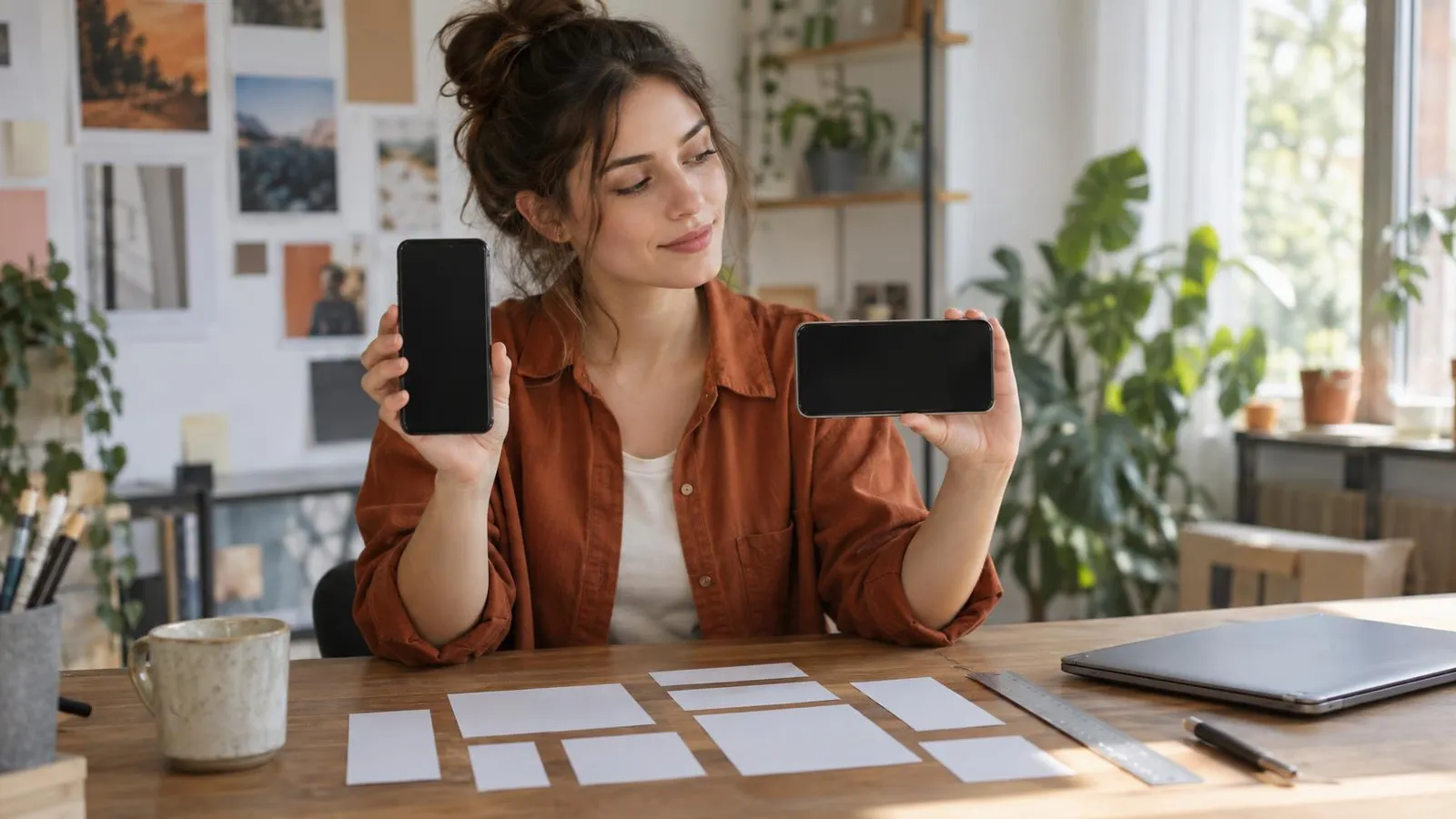
If you remember three ratios, you can handle almost every post and ad in 2026: 4:5 for feeds, 9:16 for Stories, Reels, TikTok and Shorts, and 1.91:1 for link previews and wide display images. Meta now recommends 1440x1800 pixels for feed ads and 1440x2560 for Stories and Reels ads. For organic posts, 1080x1350 works on Instagram and Facebook, and 1080x1920 covers every vertical video platform.
Every size below was checked against each platform's own help center or ad specs on November 2, 2026, and each section names its source. Platforms change specs several times a year, so if an upload screen shows something different, trust the upload screen.
The cheat sheet: sizes you need 90% of the time
| Where | Ratio | Recommended pixels | Note |
|---|---|---|---|
| Facebook and Instagram feed ads (image or video) | 4:5 | 1440x1800 | Meta's current ad recommendation |
| Instagram feed post (organic) | 4:5 or 3:4 | 1080x1350 or 1080x1440 | Instagram stores up to 1080 wide |
| Stories and Reels (organic) | 9:16 | 1080x1920 | Standard for all vertical video |
| Stories and Reels ads (Meta) | 9:16 | 1440x2560 | Same ratio, higher resolution |
| TikTok | 9:16 | 1080x1920 | In-Feed ad minimum 540x960 |
| YouTube Shorts | 9:16 or 1:1 | 1080x1920 | Up to 3 minutes |
| YouTube thumbnail | 16:9 | 3840x2160 | Minimum width 640 |
| LinkedIn single image ad | 4:5, 1:1 or 1.91:1 | 720x900, 1200x1200 or 1200x628 | LinkedIn recommends vertical |
| Pinterest Pin | 2:3 | 1000x1500 | Wider than 2:3 may get cropped |
| Google responsive display | 1.91:1 and 1:1 | 1200x628 and 1200x1200 | 9:16 at 900x1600 optional |
Facebook sizes: ads, Page profile and cover
Facebook ads
From Meta's Ads Guide, as published on November 2, 2026:
| Placement | Ratio | Recommended | File | Text guidance |
|---|---|---|---|---|
| Feed, image | 4:5 | 1440x1800 (minimum width 600) | JPG or PNG, up to 30MB | Primary text 50-150 characters, headline 27 |
| Feed, video | 4:5 | 1440x1800 | MP4, MOV or GIF, up to 4GB | Same as above |
| Stories, image | 9:16 | 1440x2560 (minimum width 500) | JPG or PNG, up to 30MB | Keep the safe zone clear |
"Facebook banner size" usually means a feed image ad, since there's no separate banner placement. A square 1:1 design still runs in the feed, but it takes up less of a phone screen than 4:5.
Page profile picture and cover photo
From Facebook's Help Center:
| Item | Size |
|---|---|
| Page profile picture | Upload at 320x320 for best quality. Displays at 176x176 on computers and 196x196 on phones, cropped to a circle |
| Cover photo | 851x315 recommended, at least 400x150. Facebook suggests an sRGB JPG under 100KB for fastest loading |
The cover is cropped differently on desktop and mobile, and the profile picture overlaps it, so keep text and logos in the middle.
Instagram sizes: posts, carousels, Reels and Stories
Feed posts
Instagram stores photos at a maximum width of 1080 pixels; larger images are scaled down. Portrait posts up to 3:4 are supported, and since January 2025 the profile grid shows tall rectangular previews instead of squares (Engadget's report on the change).
| Type | Ratio | Size |
|---|---|---|
| Tall portrait | 3:4 | 1080x1440 |
| Classic portrait | 4:5 | 1080x1350 |
| Square | 1:1 | 1080x1080 |
| Landscape | 1.91:1 | 1080x566 |
A 3:4 image shows almost in full in the grid; a 4:5 image is trimmed slightly at the sides. If your grid matters, design at 3:4 and keep key text in the center.
Instagram ads and carousels
Meta's specs for Instagram feed image ads: 4:5 at 1440x1800, minimum width 500, ratios from 1.91:1 to 4:5 accepted, JPG or PNG up to 30MB, primary text around 125 characters and headline 40. Carousel ads take 2 to 10 cards; image carousels use 4:5, carousels with video currently use 1:1, at least 1080x1080, with videos from 1 second to 2 minutes. In organic carousels, every slide is cropped to the ratio of the first one, so choose it up front.
Reels and Stories
| Type | Ratio | Size | Note |
|---|---|---|---|
| Organic Reel or Story | 9:16 | 1080x1920 | Reels can run up to 3 minutes since January 2025 |
| Reels ad | 9:16 | 1440x2560 | MP4 or MOV, up to 4GB, up to 15 minutes (Meta Ads Guide) |
| Stories ad | 9:16 | 1440x2560 | JPG or PNG up to 30MB, minimum width 500 |
Safe zones for text on Stories and Reels
On a vertical screen, the top is covered by the account name and the bottom by the caption, the call-to-action button and icons. Meta recommends keeping about 14% at the top, 35% at the bottom and 6% on each side free of text, logos and key details. In pixels:
| File size | Top | Bottom | Each side |
|---|---|---|---|
| 1080x1920 | about 270 | about 670 | about 65 |
| 1440x2560 | about 360 | about 900 | about 85 |
TikTok and YouTube Shorts overlay buttons on the right and captions at the bottom too, so the same margins are a sensible default there. Always check a preview on a phone before publishing.
TikTok sizes
From TikTok's In-Feed ad specs:
| Item | Spec |
|---|---|
| Ratio and minimum resolution | 9:16 recommended, at least 540x960. Also 16:9 (at least 960x540) and 1:1 (at least 640x640) |
| Practical export size | 1080x1920 |
| File types | mp4, mov, mpeg, 3gp, avi |
| Length | Up to 10 minutes |
| File size | Up to 500MB, bitrate at least 516 kbps |
| Ad profile image | 98x98, under 50KB, key element within the central 66x66 |
| Ad text | No clickable links, @ mentions or hashtags |
For organic videos, upload length limits vary by account and change often, so check the limit shown in the app.
YouTube sizes: Shorts, thumbnails and channel art
| Item | Spec | Source |
|---|---|---|
| Shorts | Square or vertical video up to 3 minutes counts as a Short (channels uploading since October 15, 2024) | YouTube Help on Shorts |
| Video thumbnail | 16:9, 3840x2160 recommended, minimum width 640, JPG or PNG | YouTube Help on thumbnails |
| Shorts thumbnail | 9:16, 2160x3840 recommended, minimum height 640; set in YouTube Studio on a computer, verified accounts only | Same page |
| Thumbnail file size | Up to 2MB from a phone, up to 50MB from a computer | Same page |
| Channel banner | At least 2048x1152 (16:9), text and logo inside the central 1235x338, 2560x1440 recommended, up to 6MB | YouTube Help on channel branding |
| Profile picture | Renders at 98x98, up to 15MB, no animated GIFs | Same page |
| Video watermark | Square, at least 150x150, under 1MB | Same page |
Most of the banner is cropped on phones. Put your business name, one line and your logo inside the central 1235x338 area.
LinkedIn sizes
From LinkedIn's Page image specs and its single image ad specs:
| Item | Size | File |
|---|---|---|
| Company Page logo | 400x400 recommended, at least 268x268 | PNG or JPEG, up to 3MB |
| Page cover image | 1512x256 | PNG or JPEG, up to 3MB |
| Post image with a link | 1.91:1, 1200x627 (wider than 200 or it shows as a small thumbnail) | PNG or JPEG, up to 3MB |
| Single image ad | Vertical 4:5 at 720x900 (LinkedIn's recommendation), 1:1 at 1200x1200, or 1.91:1 at 1200x628 | JPG, PNG or GIF, up to 5MB |
| Ad text | Intro text up to 150 characters before truncation, headline up to 70 | |
| Video ad | 16:9 at 1920x1080, 4:5 at 720x900 or 9:16 at 720x1280; 3 seconds to 30 minutes | MP4, 75KB to 500MB |
X (Twitter) ad sizes
X's ad specs page sits behind a bot check that blocked our direct fetch, so these figures come from the indexed text of X's own help center as of November 2, 2026. Verify them in the X Ads composer before you design.
| Item | Spec |
|---|---|
| Image ads | 1:1 (1080x1080), 16:9 (1920x1080), 9:16 (1080x1920), 4:5 (1440x1800), plus 1.91:1 and 2:3. PNG or JPEG, up to 5MB |
| Video ads | 1:1 (1200x1200) or 16:9 (1920x1080), MP4 or MOV, up to 1GB (under 30MB recommended) |
| Vertical video ads | 9:16 up to 1080x1920, 15 seconds recommended, up to 2 minutes 20 seconds |
Pinterest sizes
From Pinterest's product specs:
| Item | Spec |
|---|---|
| Standard Pin (image) | 2:3, 1000x1500 recommended; wider ratios may get cut off. PNG or JPEG, up to 20MB on desktop, 32MB in the app |
| Video Pin | Between 1.91:1 and 1:2; 1:1, 2:3, 4:5 or 9:16 recommended. MP4, MOV or M4V up to 2GB, 4 seconds to 15 minutes, 6-15 seconds recommended |
Google display ads
Most Google Ads campaigns no longer take finished banners in every size. You upload images and logos, and Google assembles the ads. For responsive display ads Google asks for 1.91:1 (1200x628, minimum 600x314) and 1:1 (1200x1200, minimum 300x300), with optional 9:16 (900x1600), up to 15 images in JPG or PNG, each up to 5120KB.
A workflow that saves time
- Design vertical first (9:16) with all text inside the safe zone. Cropping 4:5 and 1:1 versions from it is easy.
- Save a template for each ratio with safe-zone guides, in Canva or any design tool.
- Export at the recommended size (1440 wide for Meta ads, 1080 for organic), not the minimum.
- Always check on a phone, because that's where your customers see it.
If you use AI to design, ask for the right ratio up front rather than cropping later, and read how to get on-brand results from an AI post generator. With PowerAds you ask in WhatsApp for a post, banner or video for a specific goal, and it prepares it in the sizes of the platform where it will run.
Need something to put in these frames? Try our 30 Reels and TikTok ideas and 60 social media post ideas. For ad images that send people somewhere, pair them with a page built for the offer, as explained in landing pages for small business. The bigger picture of platforms, posting frequency and measurement is in social media for small business.